Keeping Your Music Accounts Secure Online as an Independent Artist
You just got an email from your distributor asking you to “re-verify your account details” or risk losing access. That little jolt in your stomach? That’s your alarm bell. As an artist, your whole operation lives online, from unreleased masters to your fan mailing list. My argument is simple: keeping it all locked down isn't some tech chore you can ignore. It's a fundamental part of protecting your work, your money, and the trust you've built with your fans.
Get Your Logins Right
Your first line of defense isn't fancy software. It's the habits you build around your logins. Think of it like putting a deadbolt on your studio door, not just a flimsy latch.
Enable Two-Factor Authentication Everywhere
Two-factor authentication (2FA) is your digital deadbolt. It means even if someone steals your password, they can't get in without a second piece of information, usually a code sent to your phone or an authenticator app. It's a simple, powerful layer of security.
You need to turn on 2FA for every service you use: email, social media, your distributor, and your bank. It takes a few minutes in your account’s security settings. That extra step of typing in a code might feel like a small hassle, but it’s what stops most break-in attempts cold.
Create Unbreakable, Unique Passwords
One of the biggest mistakes artists make is reusing passwords. If a hacker gets your password from one site, they'll try it everywhere else. It’s like using the same key for your home, your car, and your studio. If one key is lost, everything is at risk.
Instead, every single account needs its own long, complex, and unique password—a mix of letters, numbers, and symbols, at least 12 characters long. Trying to remember dozens of these is impossible, which is why you need a password manager. It generates and stores these passwords for you in an encrypted vault. You only have to remember one master password for the manager itself.
Use a VPN on Public Wi-Fi
You’re at a café catching up on email before a gig and you hop on their free Wi-Fi. What you might not realize is that on many public networks, your connection is wide open. Anyone else on that network could potentially snoop on what you're doing and grab your login details.
A Virtual Private Network (VPN) prevents this. It creates a secure, encrypted tunnel for your internet connection, making your data unreadable to others. You should always use a VPN when you’re on public Wi-Fi at a studio, venue, or airport. It's your personal, secure internet bubble.
When you choose a VPN, look for a paid service with a clear no-logs policy, which means they don’t record your activity. Free VPNs often have their own privacy issues, so investing in a trusted service is a safer bet for your business.
Tunepact tip: A music-first link-in-bio page for your releases, socials and shows. Create your bio link →
Protect Your Actual Music Files
Your music, your artwork, and your project files are the core of your business. Losing them can set your career back significantly. Protecting these assets requires both secure storage and a smart backup plan.
Securely Store Your Music Files and Projects
Your master tracks and project files are irreplaceable. Storing them only on your computer is a huge risk. You need multiple, secure locations. Cloud storage is a good option, especially services that offer end-to-end encryption. This means your files are scrambled before they even leave your computer. An encrypted external hard drive gives you a physical backup that you control. Just make sure you keep it somewhere safe. And think about how you share your work. Using direct-to-fan channels can give you more control than just throwing your music onto third-party platforms.
Follow the 3-2-1 Backup Rule
Hardware fails and accidents happen. A good backup strategy is your only safety net. Just follow the "3-2-1 rule": have at least three copies of your data, on two different types of media, with one copy stored off-site. For example, that could be the original files on your computer, a copy on an encrypted external hard drive, and another copy in a secure cloud service. Automate your backups so you don't have to think about it. Understanding your digital rights is another layer of protection. Music Gateway offers an in-depth guide on digital music rights, explaining copyright and royalties, which are vital for protecting your work.
Learn to Spot Scams

Scammers know artists are busy and eager for opportunities. They are always finding new ways to trick you. Being able to spot their tactics is a huge advantage.
Spot Phishing Attempts Targeting Musicians
Phishing is when someone impersonates a company to trick you into giving them your login or bank details. For artists, this often looks like an email from your "distributor" saying your account is on hold, or a "label rep" offering a deal that's too good to be true. These emails usually create a sense of urgency and have bad grammar, a generic greeting like "Dear Artist," or links that point to a weird-looking domain.
The rule is simple: never click links in suspicious emails. If you get an urgent email from your distributor, open a new browser tab and go to their official website yourself. Log in there. If there's a real issue, you'll see a notification. This vigilance is also important for securing your email marketing accounts, which are a prime target because they hold your fan data.
Be Wary of DMs and 'Opportunities'
This goes beyond email. It could be a DM on Instagram from a fake promoter promising a festival slot if you just "verify your identity" through a shady link. Or it could be a "collaborator" sending you a file that's actually malware. Always be skeptical of unexpected offers. A quick search for the person or company can save you a lot of trouble.
Also, use the security features that platforms provide. For example, Spotify has official guides on Artist Profile Protection that explain how to prevent unauthorized access to your artist page. Use every tool they give you.
Secure Your Central Hub – Your Link-in-Bio
Your online presence is a web of platforms. Managing this network securely, especially when you bring on collaborators, protects both your brand and your fans' trust.
Manage Permissions and Access for Collaborators
You’re not always working alone. A manager, publicist, or bandmate might need access to your accounts. When you grant access, follow the "principle of least privilege": only give someone the minimum access they need to do their job. Your social media manager probably doesn't need to change your password. Your publicist doesn't need your unreleased masters. Regularly review who has access to your accounts. If someone leaves your team, revoke their access immediately. This simple housekeeping prevents a lot of problems.
Use Your Smart Bio Link to Keep Fans Safe
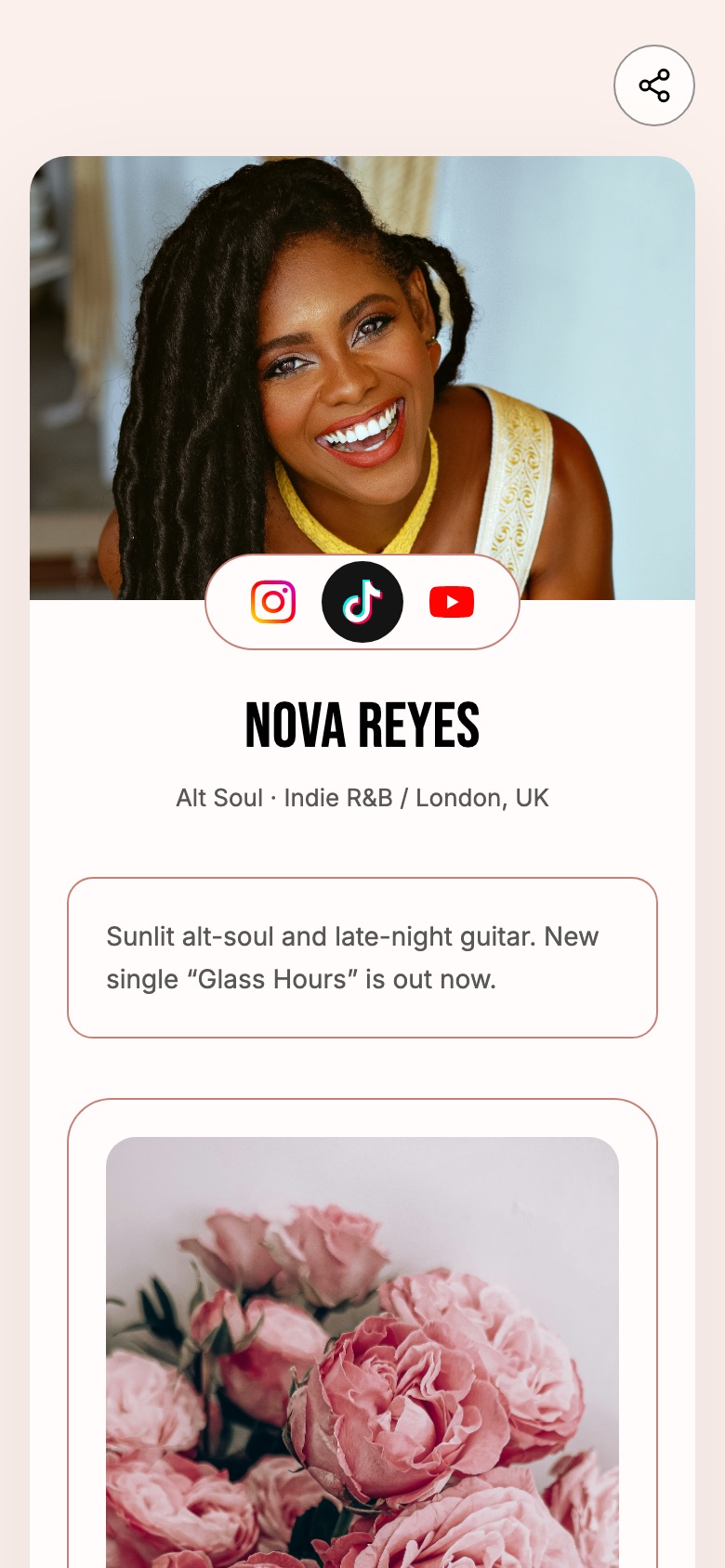
Your link-in-bio is often the central hub for your entire online world, which makes it a critical point to secure. Tunepact's Smart Bio Link is a music-first link-in-bio page for your releases, socials and shows. It acts as a single, verified place for your audience.
By using your Smart Bio Link, you control every link your fans click. You can be sure that when you send them to your new single, merch store, or tour dates, the link is legitimate. It removes the risk of sending fans to the wrong place and reinforces that you're a professional who takes care of your audience. This tool is part of a comprehensive music marketing platform and is one of the essential music business tools you need to manage securely.
Frequently Asked Questions
What's the best way to manage dozens of unique passwords for all my music platforms?
Get a reliable password manager. It will generate strong, unique passwords for all your accounts and store them in an encrypted vault. You only need to remember one master password. This is the single best way to protect yourself if one of your accounts is ever part of a data breach.
How can I identify a phishing email targeting my music business?
Look for red flags: generic greetings, urgent language, bad grammar, and sender email addresses that don't look right. Always hover your mouse over any link (without clicking) to see the destination URL. If you have any doubt, don't click the link. Instead, open your browser and go directly to the company's official website to log in.
Do I need a VPN if I primarily work from my home studio?
It’s most important when you're on public Wi-Fi. At home, it’s less about immediate security and more about privacy. A VPN can prevent your Internet Service Provider (ISP) from seeing what you do online. So while it’s not as essential as it is in a café, it’s still a good tool for maintaining your privacy.
What steps should I take immediately if one of my artist accounts is compromised?
First, immediately change the password for that account. Make it strong and unique. If you haven't already, turn on two-factor authentication. Then, check for any unauthorized activity, like changed payment info or strange posts, and contact the platform's support team. Finally, if you reused that password anywhere else, change those passwords too.