
Create a Free Link in Bio for Your Music
Choose a free style, add your artist details and music links, and publish a page you can share with fans.
See What You Can Publish for Free
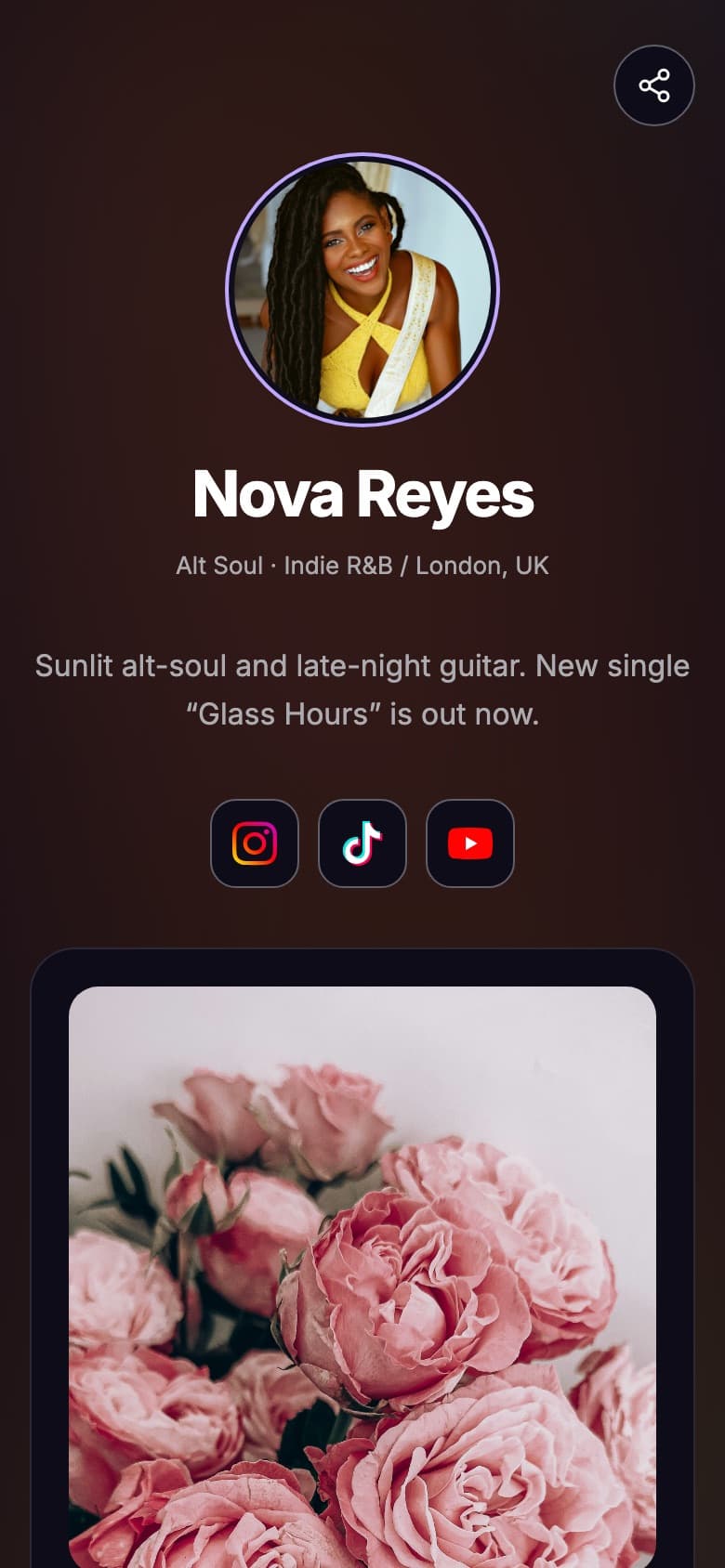
This example artist page uses only Free-plan features. Everything you see here is included before you upgrade.
- The Modern style with its default colors
- Artist photo, name, location and bio
- 3 social profiles
- A featured song with a Listen now button
- Your shareable tune.page link
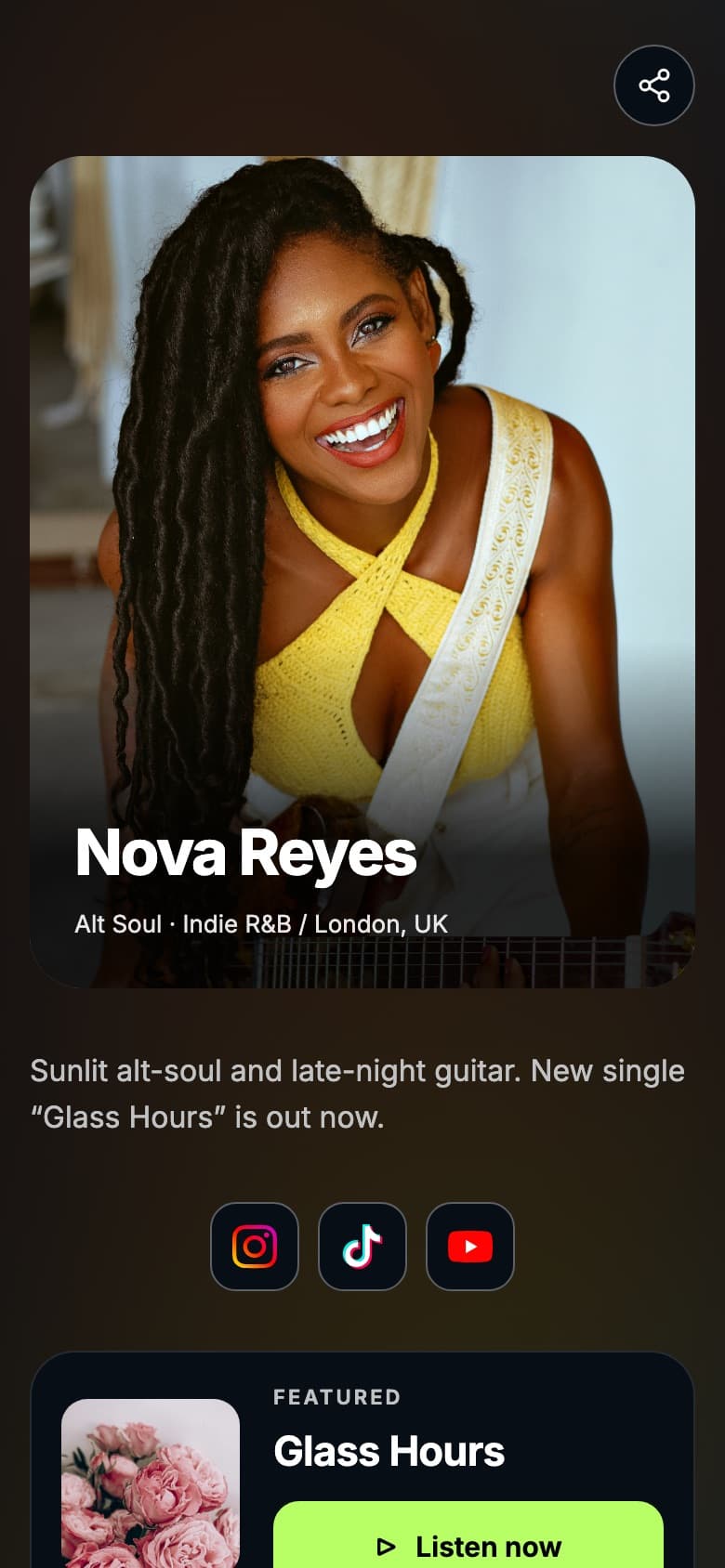
Choose Your Free Style
Classic· Free
Use this style: ClassicModern· Free
Use this style: Modern
Build Your Page in Three Steps
- 1
Choose your look
Pick an available free style.
- 2
Add your music
Complete your profile and add supported songs and links.
- 3
Publish and share
Copy your Tune.page URL and add it to your profiles.
What Is Included?
| Feature | Free | Pro & Premium |
|---|---|---|
| Publishing | Publish at your tune.page address | Publish at your tune.page address |
| Styles | Classic and Modern | All 12 styles, plus extra fonts, backgrounds and custom colors |
| Streaming links | Up to 3 | No limit |
| Social profiles | Up to 3 | Up to 3 |
| Top songs | Up to 20 | Up to 20 |
| Upcoming release and countdown | Included | Included |
| Fan signup into Fan Hub | Included | Included |
| Email your fans | Not included | 500 a month on Pro, 5,000 on Premium |
| Tunepact branding | Shown on your page | Hide it or use your own |
| Analytics | Headline page visits and fan signups | Visit trends, song performance, social traffic, top songs and fan locations |
Want More Design Options?
Explore additional styles and plan features when you need them.
Questions
Frequently Asked Questions
Quick answers about the free Tune.page
Yes. Tunepact offers a Free plan for creating a Tune.page. The included features and limits are listed above.
This page helps you create a shareable artist page. A written artist biography is a separate piece of content.
You can share your published URL wherever the platform makes website links available to your account.
Publish Your Free Tune.page
Pick Classic or Modern, add your music, and share one link everywhere.