SEO for Musicians: How to Help Fans Find Your Music Online
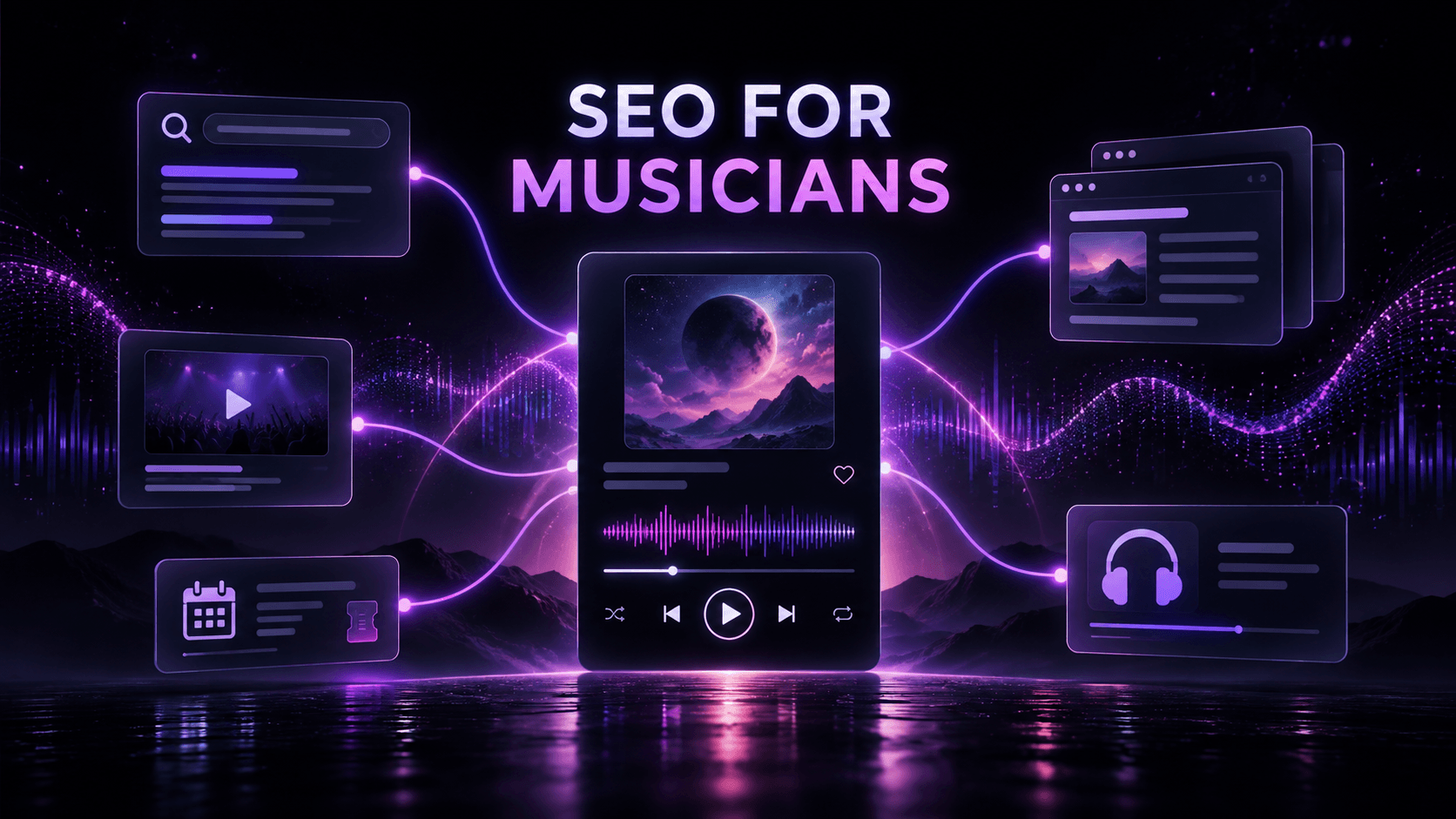
SEO for musicians means making it easier for search engines and people to understand who you are, what you released, and where to listen or take the next step. Start with the searches closest to your identity—your artist name, song titles, genre, location, lyrics, and shows—then build clear pages that answer those searches.
SEO cannot guarantee rankings, streams, or new fans. It can reduce confusion around your artist identity and make your website, release pages, videos, and profiles more useful when someone is already looking for you or for music like yours.
Music SEO is not one algorithm
Google, YouTube, streaming services, and social platforms do not rank content in the same way. Website SEO helps search engines crawl, index, and understand useful pages. YouTube uses its own search and recommendation signals. Streaming catalog information should stay accurate; do not rewrite official track titles, credits, or release metadata to insert keywords.
Think of music SEO as a consistency system: one clear artist identity, accurate release facts, descriptive language, and connected destinations across the places where people may encounter you.
Start with the searches you can realistically serve
Begin with searches tied to your real work, not a broad phrase such as “best new music.”
For a deeper research workflow, use the keyword-research guide for musicians after you have defined the intents below.
Branded searches
These include your artist name, band name, song titles, album names, and common spelling variations. If your name is shared with another artist or business, add accurate context such as your genre, city, or full professional name where it reads naturally.
Release and lyric searches
A listener may search for a song title, remembered lyric, featured artist, or story behind a track. A dedicated page can answer that intent. Only publish lyrics you control or have permission to publish, and keep credits accurate.
Descriptive discovery searches
These combine details such as genre, mood, location, instrument, theme, or listening situation: “dream pop artist in Toronto,” “indie folk songs about moving away,” or “instrumental guitar music for studying.”
Choose only the descriptions that genuinely fit the music; do not force every phrase into one paragraph.
Event and local searches
Fans may search for your name plus “tour,” “tickets,” or a city. Give every show a clear date, venue, city, ticket link, and current status.
Step 1: Create one truthful song brief
Before writing a release page, YouTube description, pitch, or EPK entry, prepare a short source document for the song.
Include:
the exact artist and song name;
primary genre and a more specific sonic lane;
mood, energy, and listening context;
the main theme or story;
one distinctive production or performance detail;
confirmed credits and release facts; and
the main action you want a visitor to take.
For example, a fictional artist might write:
“After the Static” is a mid-tempo alternative-pop song about choosing not to reopen a relationship that has already ended. Close vocals, live drums, and a restrained final chorus give it a reflective, steady feel.
If finding accurate language is difficult, begin with Tunepact Song DNA. It analyzes a private MP3 for identity, genre, mood, sonic characteristics, audience perspective, positioning, and content directions. Treat the output as an editable starting point: keep what fits, correct what does not, and verify all factual credits yourself. Nothing is published unless you choose to create a public Tune.page Song Page.
Step 2: Give your artist website a clear structure
Your site does not need dozens of pages. A practical structure is:
Home: artist name, concise positioning, featured release, and one next action;
About: current biography, location if relevant, genre context, and verified achievements;
Music: an overview that links to individual release pages;
Release pages: one useful page for each priority song, EP, or album;
Shows: accurate event details and ticket links;
EPK or press: music, bio, photos, credits, press, and contact information; and
Contact: one clear route for the appropriate inquiry.
Use familiar navigation labels and link related pages together. Google explains that links help people and search engines discover pages, while descriptive anchor text clarifies the destination. Read Google’s SEO Starter Guide.
For industry contacts, a Tunepact EPK provides a hosted page for music, bio, photos, press, social links, and contact. Keep it aligned with your official site.
Step 3: Build a useful page for each priority release
Each priority release page should include:
artist and release name;
release type and date;
cover artwork with useful alt text;
an embedded track or video where appropriate;
a short, specific description;
confirmed credits;
approved lyrics or a lyric excerpt if you have the rights;
streaming, purchase, or video links; and
one next action, such as following, joining your list, or viewing the EPK.
Tunepact Song DNA can optionally turn the track into a public Tune.page Song Page. It provides a structured, shareable destination, but publishing one does not guarantee indexing or rankings.
Step 4: Write titles and descriptions for people first
Every important page should have a unique, concise title that accurately describes it. A simple release-page formula is:
[Song Title] by [Artist Name] — Official Song Page
An event-page title could be:
[Artist Name] Live at [Venue] — [City], [Date]
Write a meta description as a short invitation rather than a list of repeated keywords. For the fictional song above:
Hear “After the Static,” an alternative-pop single from Maya Vale, and explore its story, credits, video, and official listening links.
Google may build a snippet from the page or use its meta description. Its guidance recommends short, unique, relevant descriptions and states that Google does not use the meta-keywords tag.
Step 5: Optimize YouTube without chasing tag myths
Use the correct artist name and song title, then identify the format honestly: official video, lyric video, live session, acoustic version, or visualizer. Give viewers useful context near the top of the description:
one or two sentences about the song or performance;
official listening or release-page link;
accurate credits;
relevant lyrics or chapters where appropriate; and
your primary artist and contact links.
Use an accurate thumbnail. YouTube says search considers how well the title, description, and video content match a viewer’s search, while tags are primarily useful for common spelling mistakes. Read YouTube’s search and discovery guidance.
Step 6: Keep streaming and profile information accurate
Treat distributor-supplied fields as release data, not promotional copy. Do not add marketing phrases to an official song title unless they are genuinely part of the release title or version.
Use the music metadata checklist to keep factual release information separate from descriptive marketing language.
Across artist profiles, use:
the same professional artist name and spelling;
a current image and biography;
accurate links to your official destinations;
correct release and featured-artist information; and
descriptive language that matches the song without promising playlist or recommendation outcomes.
Consistency helps people recognize the same artist across platforms; it does not control recommendations.
Step 7: Earn useful links and mentions
Earn links through real relationships and relevant coverage. Ask each source to link to the most useful destination:
a venue linking to the exact event or ticket page;
a music blog linking to the release page it reviewed;
a collaborator linking to the shared song page;
a podcast linking to your EPK or episode-specific page; and
a local publication linking to an accurate show announcement.
Avoid bulk link schemes. The objective is to help a reader verify the connection and continue the journey.
Step 8: Check the technical basics
Before promotion begins, confirm that:
the important pages work on a phone;
images are compressed and have descriptive alt text;
the site uses HTTPS;
navigation and internal links are crawlable;
each indexable page has one preferred canonical URL;
outdated or duplicate URLs are handled deliberately;
the XML sitemap contains the URLs you want indexed; and
the site is verified in Google Search Console.
Structured data must match visible content and does not guarantee a special search result.
Step 9: Measure visibility and useful actions
In Search Console, review queries, pages, countries, devices, clicks, impressions, click-through rate, and average position. Google describes the Performance report as a way to see which queries show your site and which pages receive higher or lower click-through rates. Read the Performance report documentation.
Then connect search visibility to actions you care about:
clicks to the song or video;
follows or email sign-ups;
ticket or merchandise visits;
EPK inquiries; and
visits from the article or release page to Tunepact Song DNA.
Do not judge a change after one day. Google notes that some updates appear quickly while others can take several months, and not every change produces a noticeable result. Record when you update a page, review comparable date ranges, and improve the page based on evidence.
SEO checklist for musicians
For each important release:
create one verified song brief;
publish or update one useful release page;
use a unique page title and concise description;
connect the page to your bio, music, video, EPK, and show pages;
keep official streaming metadata accurate;
use accurate YouTube titles, descriptions, and thumbnails;
seek relevant links from real collaborators, venues, and coverage;
test the entire journey on mobile; and
track impressions, clicks, CTR, and meaningful next actions.
SEO works best when the language starts with the music rather than a list of keywords. Turn your next song into clear release language with Tunepact Song DNA, then use that clarity to build pages, profiles, and content that help people recognize where your music belongs.