
Create a Page for Your Upcoming Music Release
Start sharing your next release before launch day. Bring the artwork, release details, and supported links together in your Tune.page.
Before release day
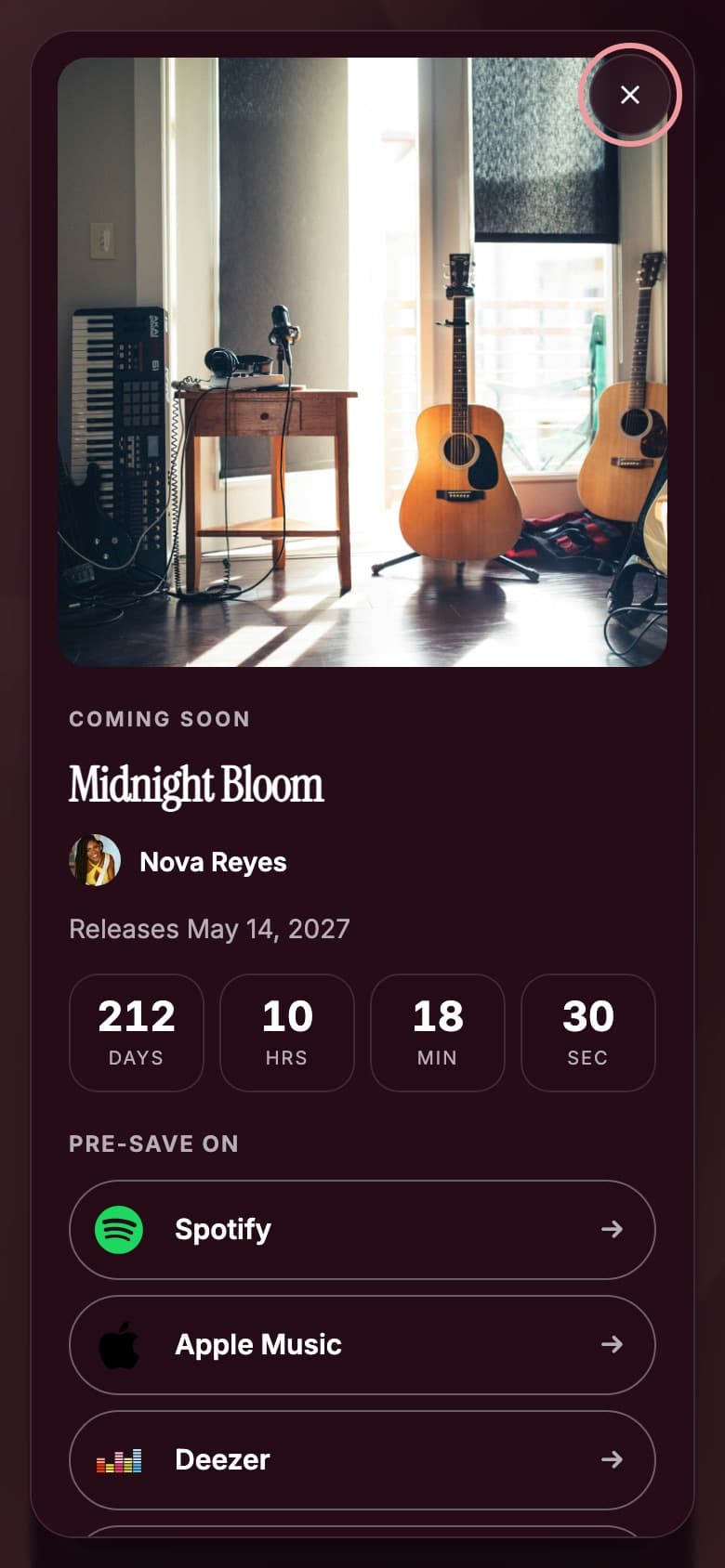
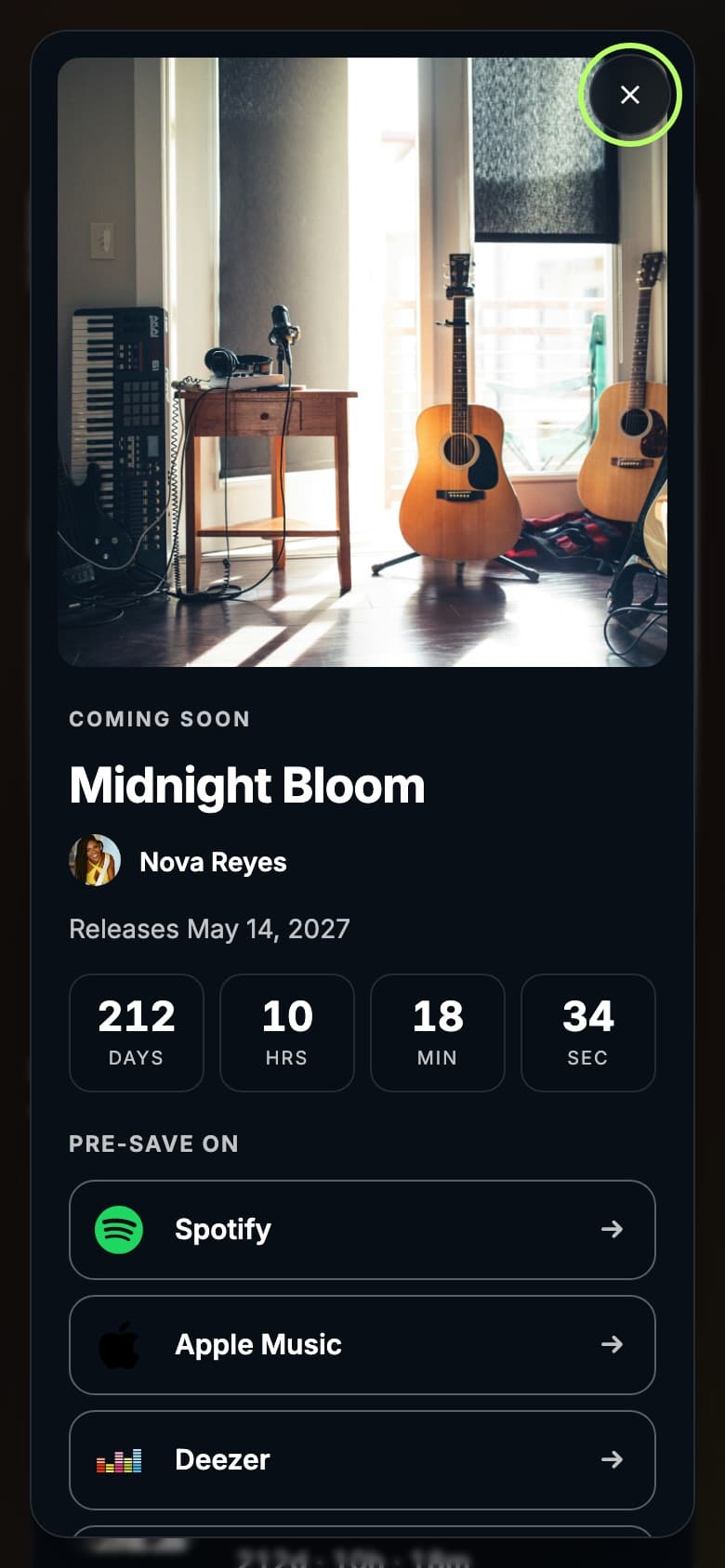
Everything Fans Need Before Launch
- Release artwork and title
- Release date and time
- A countdown to the moment you set
- Pre-save buttons for up to 4 services
Pre-save services you can add: Spotify, Apple Music, SoundCloud, YouTube Music, Tidal, Pandora, Deezer, Bandcamp.
After the release
What Changes When the Music Is Out
Automatic at the release time
- The countdown disappears
- The release label changes to “Out now”
- The buttons change from “Pre-save on” to “Listen on”
Managed by you
- The buttons keep the links you added. If a pre-save link doesn’t turn into the released song, replace it with the live link.
- Removing the section or adding your next release is up to you.
Set Up Your Release
- 1
Add the release
Open the Next release section of your Tune.page and enter the title.
- 2
Enter release information
Set the release date and time and upload the cover.
- 3
Add supported links
Add your existing pre-save links so fans can open the supported service you choose.
- 4
Preview
Check the release in the live preview, including on a phone-sized screen.
- 5
Publish
Publish your Tune.page. The release appears on your page straight away.
Keep Your Artist Presence Connected
The upcoming release is its own section of your Tune.page, alongside your songs, links and fan signup, and you choose where it sits in the section order. You can also share a link that opens the release straight away.
Questions
Frequently Asked Questions
Pre-saves, timing, editing and visibility
No. Add your existing pre-save links so fans can open the supported service you choose. Tunepact does not connect to streaming accounts or save releases for fans.
You pick the date and time in your own time zone. The countdown counts to that exact moment, so every visitor sees the right time left wherever they are.
The countdown ends and the section switches to “Out now” automatically. The buttons keep the links you added, so swap any pre-save link that doesn’t lead to the released song.
Yes. Change the title, date, cover or links in the editor and publish again.
No. Only what you add to the release section is shown. Uploading or analyzing a song in Tunepact doesn’t publish it, and Song DNA results stay private unless you choose to publish a Song Page.
Give Your Next Release a Home
Add the release to your Tune.page and share it before launch day.