15 Inspiring Indie Artist Website Designs
You’ve spent weeks perfecting your new single, poured your heart into the lyrics, and finally got it mixed and mastered. You upload it to your website, add a new photo, and then… nothing. Your site feels less like a busy venue and more like a flyer tacked to a telephone pole. You built it because everyone said you needed one, but it isn’t actually *doing* anything for you.
Your website shouldn't be a passive brochure. It needs to be your hardest-working tool, a place that’s always open, always building your career, and always giving people a reason to stick around and support you directly.
Your first impression is visual
When someone lands on your site, you have about two seconds to grab them. That first glance needs to say who you are and what you sound like, giving them a reason to stick around. This is about making an immediate connection that feels like your music.
Use your header to show what you sound like
Your header is the most valuable space on your site. Don't waste it on a generic band photo. Use a striking image or a short video that captures the feeling of your music. If you’re a high-energy punk band, a live shot mid-jump works. If you’re a quiet folk artist, a beautifully lit, intimate portrait is better. The goal is to show your sound, instantly. For more ideas on how to make this section count, check out this guide on designing an effective homepage for your music website.
Use whitespace and animation with purpose
Don't be afraid of empty space. It gives your important elements room to breathe and makes your site feel professional and easy to scan. Subtle animations, like a gentle background video or an element that fades in as you scroll, can add a nice touch without being distracting. Just use them sparingly, to highlight something important or guide the eye to your main call to action.
Set the mood with your colors and images
Your color palette and images should reflect the feeling of your music. If your songs are dark and introspective, deep blues, greys, and abstract textures can set that tone. For upbeat pop, bright colors and energetic images work well. Think about the feeling you want someone to have the moment they arrive. A consistent visual style across your site helps define who you are as an artist.
Make your look as recognizable as your sound
A strong visual identity helps fans recognize you instantly, whether they see your name on a poster or a post on social media. It’s about creating a complete world around your music, and your website is the center of it.
Design a logo that represents you
Your logo is your visual signature. It needs to be memorable, readable, and feel like your sound. You don't need anything complex. A simple, well-designed wordmark in a unique font is often more effective than a detailed emblem. Think about how it will look small in a profile picture and large on a T-shirt. A good logo becomes an anchor for your entire visual brand.
Use oversized text to grab attention
Don't be afraid to go big with your text. Using oversized type for your name or a new song title creates a bold look and immediately tells people what’s important. It’s a simple way to control where people look first. For example, making your band name a dominant visual element helps it stick in someone's memory.
Be consistent with your visual brand
Every element on your website, from your logo and fonts to the filter on your photos, should feel like it belongs together. If your Instagram has a certain color grading, bring that over to your website. If your album art has a specific graphic style, use that in your site's design. This creates a cohesive, professional look that builds trust and reinforces your artistic vision.
Tunepact tip: Build a professional electronic press kit to send to blogs, playlist curators, venues and press. Build your EPK →
Turn visitors into fans who support you
You’ve got their attention, now what? A beautiful website is a good start, but it needs to guide visitors toward becoming engaged fans and, eventually, supporters. This means making it easy for them to take the next step, whether that's listening, buying, or joining your mailing list.
Use clear calls to action
Every page should have a purpose. Clear calls to action (CTAs) tell visitors what to do next. Instead of a generic "Music" tab, try a prominent "Listen to the New Single" button on your homepage. Make your "Join the Mailing List" box unmissable. Be specific. Instead of a vague "Support" button, use "Buy Our New Album" or "Become a Patron."
Create a simple place to sell your music and merch
Your website is the best place to sell because you keep the largest share of the revenue. Make your store easy to find and use. A simple, built-in shop for your albums and T-shirts means fans don't have to leave your site to support you. You can learn more about selling your music directly from your artist website to maximize your earnings. And a clear strategy for selling music merchandise effectively can be a huge boost to your income.
Build your income directly from fans
Your website is more than a shop; it’s where you can build relationships that create a sustainable income. This direct-to-fan approach gives you more control over your career. Instead of relying only on streaming royalties, you can build other income streams. For example, you could explore setting up fan memberships that offer exclusive content, or sell merchandise directly from your site. As more artists go direct-to-fan, it's clear this is the path to building an independent career. You can find more ideas for monetizing your artist website with fan memberships and merch and turn your site into a reliable source of income.
Organize your site so it's easy to use

A beautiful website is useless if people can't find what they're looking for. A clear structure shows you respect your visitor's time and makes it easy for them to explore your work.
Break up your pages into sections
Divide long pages into distinct, styled sections. This isn't just about looks; it makes the page much easier to read. Use different background colors or subtle borders to visually separate your bio from your music player, or your tour dates from your contact form. Think of it like chapters in a book: each section has its own focus, which makes the whole page easier to follow.
Consider a modern sidebar menu
While a traditional top navigation bar works, a modern sidebar menu can offer a sleek, uncluttered look. It keeps your main navigation always accessible without taking up space at the top of the screen. Make sure your menu items are clear and simple ("Music," "Tour," "Store," "About," "Contact"). And test it on mobile; a sidebar that neatly tucks away is essential. When looking at website platforms, see which ones give you this kind of flexibility. For instance, you could compare Tunepact vs Bandzoogle to see how they handle site structure and design tools.
Build Your Professional EPK with the TunePact EPK Builder
Beyond engaging fans, your website needs to be your headquarters for industry connections. This means having a polished Electronic Press Kit (EPK) ready to go. Having one integrated into your site makes you look professional and prepared.
Why your music website needs an EPK
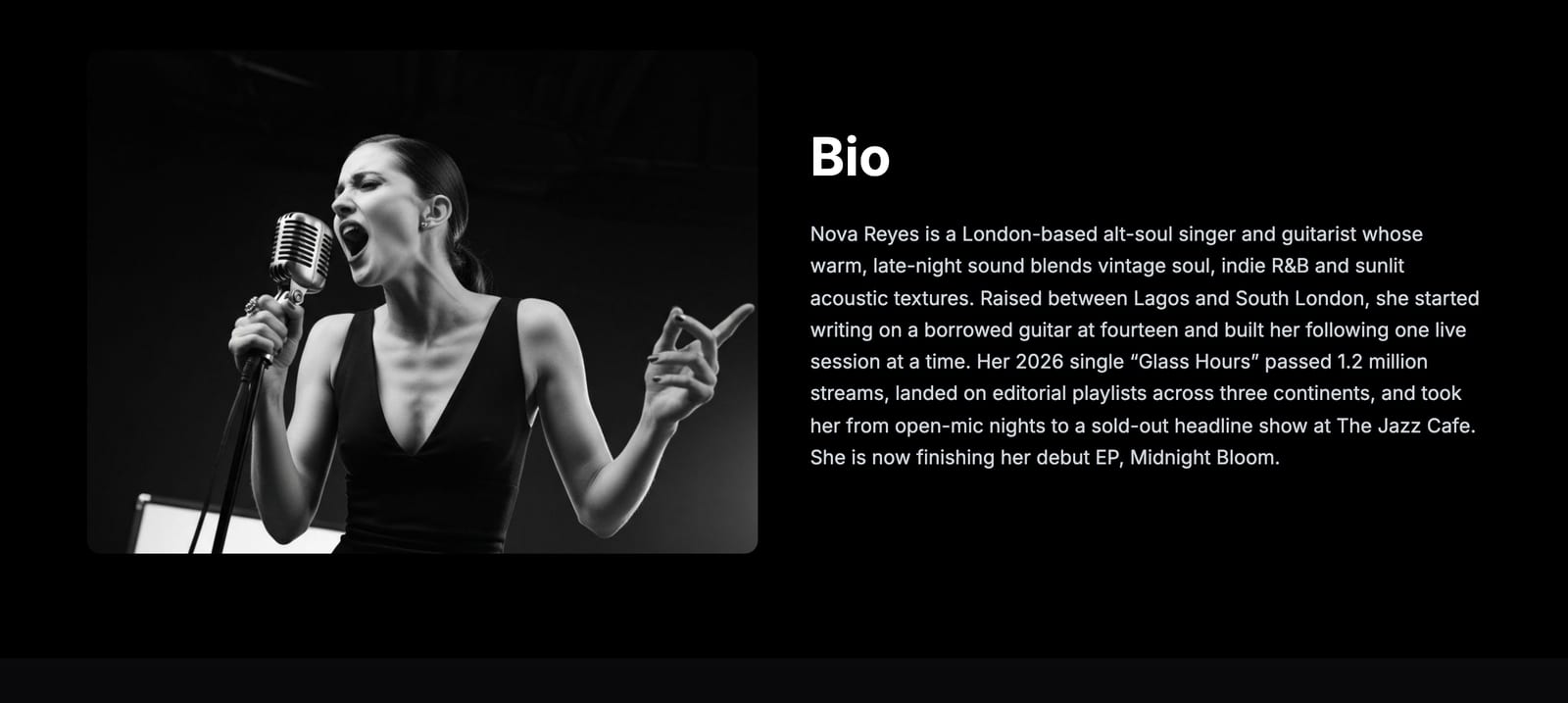
An EPK is what you send to get gigs, press coverage, playlist placements, and attention from managers or labels. It’s a single page with all your key information: your bio, high-quality photos, music samples, videos, press clippings, and contact details. Without one, you're making it harder for people to book you or write about you. Understanding what an EPK is and why your music website needs one is the first step to improving your professional outreach.
How to create your press kit
You can build a professional EPK right on your website. The Tunepact EPK Builder helps you create a press kit to send to blogs, playlist curators, venues, and press. First, gather your assets: a good bio (short and long versions), high-resolution photos, your best tracks (make them downloadable), official music videos, any good press mentions, and your contact info. Organize everything logically. A tool like the Tunepact EPK Builder will then help you put it all together on a clean, shareable page, so industry contacts can find what they need without having to ask.
Frequently Asked Questions About Indie Artist Websites
What are the absolute must-have pages for an indie artist's website?
At a minimum, you need a Homepage, a Music page with players and buy links, a Tour/Shows page if you play live, an About/Bio page, and a Contact page. A Store for merch and a dedicated EPK page for professional outreach are also essential for a site that works for you.
How can I make my artist website generate income effectively?
To generate income, integrate a direct store for music and merchandise, offer exclusive content through a fan club or membership, and use clear calls to action that guide fans to buy something. Promoting direct sales on your site means you keep more of the money.
Should I use a website builder or hire a designer for my music site?
For most independent artists, a dedicated website builder offers the best balance of cost, control, and features. It lets you create a professional site without needing to code. Hiring a designer is an option if you have a big budget and very specific needs, but it's often an unnecessary expense early on.
How often should I update my artist website content to keep it fresh?
Update your website whenever you have real news, like a new release, tour dates, or a good press feature. Beyond that, try to do a small refresh every few months—swap out some photos, tweak your bio, or add a blog post to keep it from feeling stale for returning visitors.
